Runway Act-Two
AI-Powered Full-Body Motion Capture
Transform any performance into professional character animation with Runway Act-Two. This advanced motion capture tool captures head, face, body, and hand movements from a single video—no markers, no suits, no expensive equipment required.
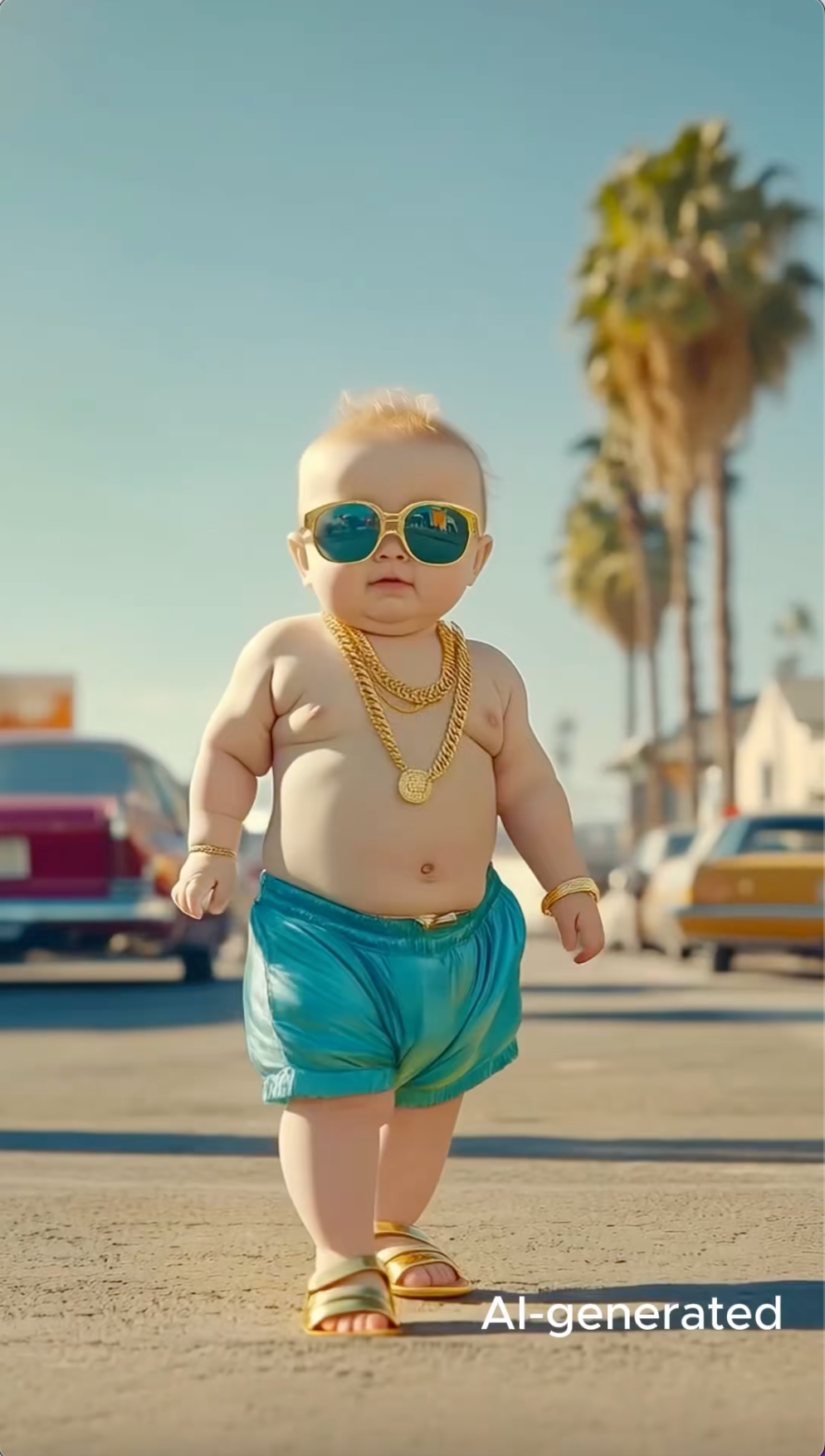
Optional - will use default demo video if not uploaded
Key Features of Runway Act-Two
Discover the groundbreaking capabilities that make Runway Act-Two the most advanced AI motion capture tool available. Runway Act-Two revolutionizes character animation with cutting-edge technology.
Enhanced Performance Capture
Captures every motion aspect—audio, head, face, hand, and body movements with incredible accuracy for lifelike character animation.
Multimodal Inputs Supported
Accepts both images and videos as character inputs, mimicking performances from reference videos with unprecedented flexibility.
Configurable Gesture Control
Offers gesture control settings for character image inputs, allowing precise hand and body movement customization.
Adjustable Facial Expressions
Fine-tune character facial expressiveness strength to match your creative vision, from subtle to dramatic.
Adaptable Scene Motion
Automatically adds or retains environmental and camera motion based on input type for natural, immersive results.
Broad Video Applications
Animates characters for diverse creative projects—films, ads, games, education, and social media content.
Enhanced Performance Capture
Runway Act-Two captures every motion detail from a driving performance video with exceptional precision. Whether head, face, body, or hand movements, the AI model renders the smallest nuances and complex motion sequences in lifelike detail for truly realistic and immersive storytelling.
Performance Video
Records actor's full performance including movements, expressions, and gestures
Character Image/Video
Target character to receive the transferred performance
Output Animation
Character animated with captured performance, maintaining visual style
Full-Body Motion Tracking
Beyond facial animation, Runway Act-Two recognizes body language, gait patterns, and complex physical dynamics. The system tracks complete performances from head to toe with precision, making it the ultimate full-body motion capture solution.
Complete skeletal tracking for natural movement
Gait and posture analysis
Complex choreography support
Real-time body dynamics capture
Hand & Finger Precision
Solves AI video's notorious 'hand problem' with accurate finger-level tracking. Capture intricate hand gestures, sign language, and delicate manipulations with confidence.
Individual finger tracking
Gesture recognition and transfer
Hand-object interaction support
Sign language accuracy
Zero Equipment Barrier
Say goodbye to expensive mocap suits and studio setups. A smartphone camera is all you need to create Hollywood-grade animations, democratizing professional motion capture.
No markers or sensors required
Works with any standard camera
No specialized lighting needed
Accessible anywhere, anytime
Multi-Angle Style Preservation
Maintains cinematic lighting, textures, and visual consistency across different angles and movements. Your character's style remains intact throughout the animation.
Cinematic lighting preservation
Texture consistency maintenance
Multi-angle view support
Art style fidelity
Act-One vs. Runway Act-Two Comparison
Understand the evolution from Act-One to Runway Act-Two and choose the right tool for your project needs. Runway Act-Two represents a significant advancement in AI motion capture technology.
| Feature | Act-One | Act-Two |
|---|---|---|
| Core Capability | Facial animation and expressions | Full-body motion capture with facial expressions |
| Input Types | Character images only | Character images and videos |
| Motion Scope | Head, face, and mouth movements | Head, face, body, hands, and gestures |
| Hand Tracking | Limited gesture capability | Advanced hand and finger tracking |
| Environmental Motion | No automatic environment effects | Automatic camera shake and environment motion |
| Generation Model | Gen-3 Alpha/Turbo | Gen-4 |
| Cost | 10 credits/sec (50 min) on Gen-3 Alpha; 5 credits/sec (25 min) on Turbo | 5 credits/sec (3 sec minimum) |
| Best For | Facial expressions, dialogue scenes, portrait animation | Full performances, dance, action sequences, storytelling |
Act-One
Facial animation and expressions
Act-Two
Full-body motion capture with facial expressions
Act-One
Character images only
Act-Two
Character images and videos
Act-One
Head, face, and mouth movements
Act-Two
Head, face, body, hands, and gestures
Act-One
Limited gesture capability
Act-Two
Advanced hand and finger tracking
Act-One
No automatic environment effects
Act-Two
Automatic camera shake and environment motion
Act-One
Gen-3 Alpha/Turbo
Act-Two
Gen-4
Act-One
10 credits/sec (50 min) on Gen-3 Alpha; 5 credits/sec (25 min) on Turbo
Act-Two
5 credits/sec (3 sec minimum)
Act-One
Facial expressions, dialogue scenes, portrait animation
Act-Two
Full performances, dance, action sequences, storytelling
How to Use Runway Act-Two
Follow these simple steps to create professional character animations with motion capture technology.
Prepare Your Character
Upload a clear character image or video. Ensure the character has visible body proportions and occupies at least 5% of the frame for best results.
Record Your Performance
Capture a performance video showing the movements you want to transfer. Include clear views of your body, hands, and facial expressions. Video can be up to 30 seconds.
Configure Settings
Choose character orientation mode (video for complex motions, image for camera movements) and decide whether to keep the original audio from your performance.
Add Motion Description
Optionally describe the desired motion style and character actions to guide the AI for more precise results.
Generate and Download
Click generate and wait 1-3 minutes for processing. Once complete, preview your animated character and download in high quality.
Frequently Asked Questions
Find answers to common questions about Runway Act-Two motion control.
Ready to Bring Your Characters to Life with Runway Act-Two?
Start creating professional character animations with Runway Act-Two's AI-powered motion capture. Runway Act-Two requires no equipment—just your creativity.