
Ain’t No Mountain Subway AI Trend
An empty subway car. White wired earbuds. Eyes closed, chin up, one hand in the air. Turn your photo into the subway singing moment everyone wants to join.
One photo · 10-second preset · vertical video · from 30 credits
Make your subway singing video
10 seconds · vertical 9:16 · one portrait
JPG, PNG or WebP · up to 10 MB · one clear adult portrait · automatically compressed
See the subway singing effect
One portrait. An empty train. Your main-character moment.
What is the Ain’t No Mountain subway AI trend?
The Ain’t No Mountain High Enough subway trend turns a quiet ride into a full-feeling solo performance. A singer sits on a bench with wired earbuds, looks into the phone camera, then closes their eyes and sings like the carriage is their stage.
Its signature moves are easy to recognize: a call-me gesture beside the ear, a lifted chin, an open palm and an arm raised for the big note. The close selfie framing keeps every expression front and center while the train gently sways behind them.
Upload one portrait to put yourself in that scene. The generator brings together the subway setting, earphones and performance, so you can make the clip without filming on a train or writing a storyboard.
How to make the subway singing AI video
Upload your portrait
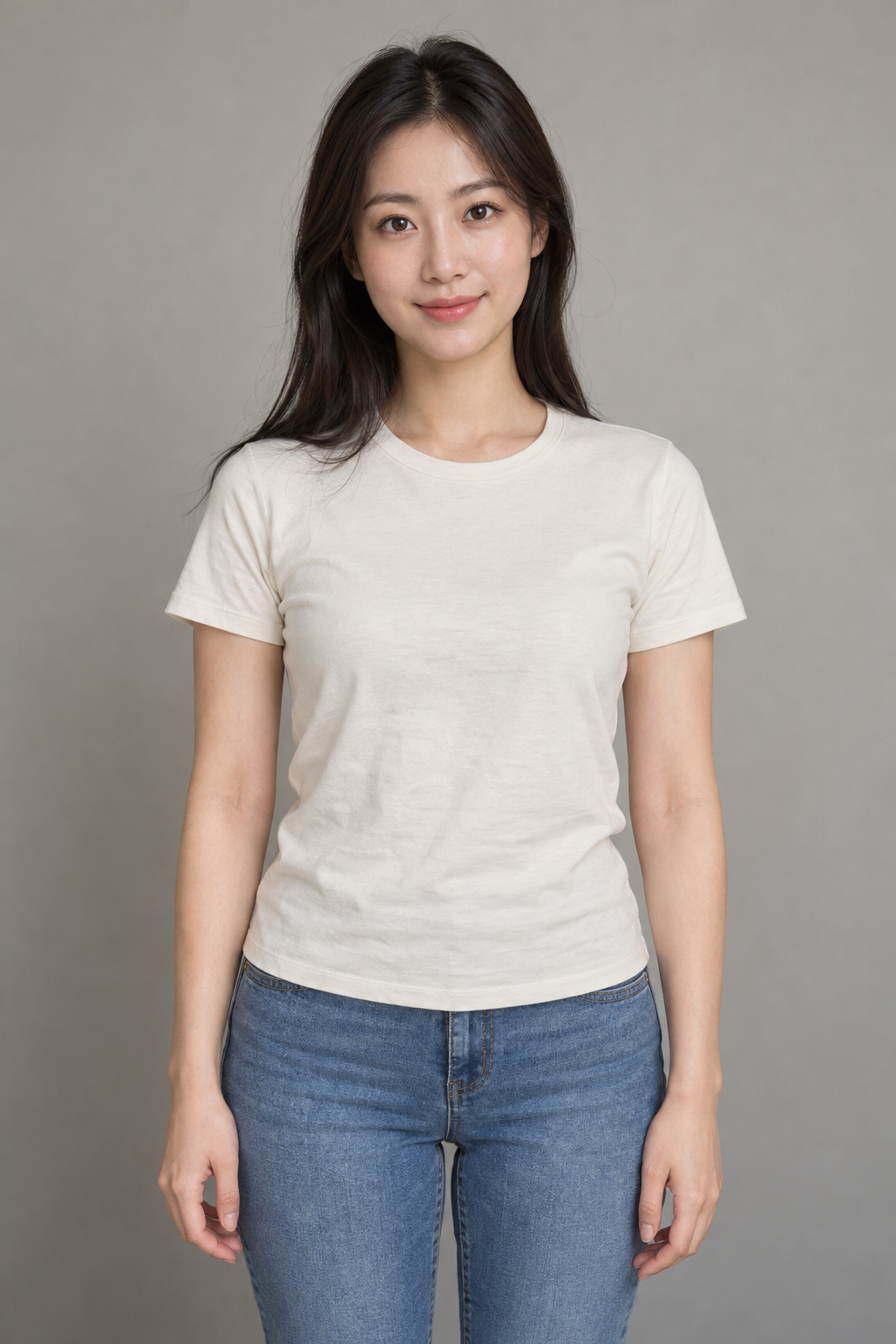
Choose a sharp photo of one adult, facing the camera. A head-and-shoulders photo with even lighting works well. Upload JPG, PNG or WebP, up to 10 MB.
Choose your look
Select 480p for 30 credits or 768p for 45 credits. Add a performance mood if you like: a little smile, extra joy or a dramatic high note. The subway scene is already set.
Generate and download
Sign in, confirm your photo and generate. Watch the completed clip and download your MP4 for your next TikTok, Reel or Short. Your task can resume after a page refresh.
Watch the subway singing effect
An AI-generated portrait becomes the star of a subway selfie. Watch the full generated example below.
Subway singing AI prompt
Want to explore the scene yourself? Copy this prompt, or use the generator above with your portrait. The scene and performance are already built in.
Subway singing selfie
Use one adult portrait as an identity reference. Create a chest-up vertical selfie of the same person seated alone on a blue subway bench, white wired earbuds visible, steel poles and dark windows behind them. One continuous take with subtle train sway. 0-2 seconds: smile at the lens and make a call-me gesture beside one ear with the thumb and little finger extended. 2-5 seconds: close the eyes, tilt the chin gently upward and start an expressive singing performance. 5-8 seconds: lift the free hand with an open palm while holding a joyful note; keep the face visible. 8-10 seconds: lower the hand, open the eyes and smile into the lens. Keep the face, hairstyle and clothes recognizable. Expressive soulful singing with quiet train rumble. No extra people, text or logos. 9:16, 10 seconds.
Pick a portrait that puts you in the spotlight
| Photo detail | Best choice |
|---|---|
| Face and framing | One person, facing the camera, with the head and shoulders clearly visible. |
| Lighting | Soft, even light that shows your eyes, face and hair. |
| Expression | A relaxed or smiling expression gives the performance a natural starting point. |
| Styling | Choose a photo with the hairstyle and outfit you want to bring to the scene. |
Make the moment yours
Go all in on the feeling
Joyful, dreamy or a little dramatic: use the mood note to set the energy of your performance.
Keep the vertical frame
The 9:16 preset is made for a close selfie and an expressive hand in the air. Preview the full clip before posting.
Finish your post
Download the MP4, add your caption and choose a sound in your publishing app. Try #AintNoMountainHighEnough and #SubwaySinging.
Ain’t No Mountain subway AI trend FAQ
What is the Ain’t No Mountain subway AI trend?
It is a selfie-style singing scene inspired by the Ain’t No Mountain High Enough trend: one person on an empty subway bench, wired earbuds in, eyes closed and one hand raised in a passionate performance.
How do I make the subway singing video with AI?
Upload one clear portrait, choose the video quality and press Generate. The subway setting, earphones and singing performance are built into the effect. Preview the result and download the MP4.
How many photos do I need?
One. Use a clear photo of one adult with their face, hair and shoulders visible.
Do I need to film myself or upload a video?
A photo is all you need. You can make the effect in your browser on a phone or computer.
How long is the video?
The effect uses a 10-second vertical 9:16 preset, with 480p and 768p options. Download the completed result as an MP4.
Does the video have sound?
Yes, the model generates audio along with the subway performance. You can also choose a sound in TikTok or Instagram when you publish.
How many credits does it cost?
480p costs 30 credits and 768p costs 45 credits. The price is shown before you generate. Confirmed failed generations refund the charged credits.
Can I come back to my video after refreshing?
Yes. Sign in to the same account in the same browser to resume your saved task. A connection interruption does not start another generation.
More AI video effects
Keep creating with a recording-booth duet, a midnight fridge moment or your own video idea.