
Hotel Lobby AI Video Generator
Turn two photos into a Hotel Lobby AI duo clip — two performers, one orange booth, one continuous take. No editing timeline, no manual keyframes.
Two photos · 8 booth styles · 6 or 15 seconds · Vertical 9:16
Create your duo clip
Performer 1 · Left
Performer 2 · Right
JPG, PNG or WebP · up to 10 MB · one subject per photo
Real generated example
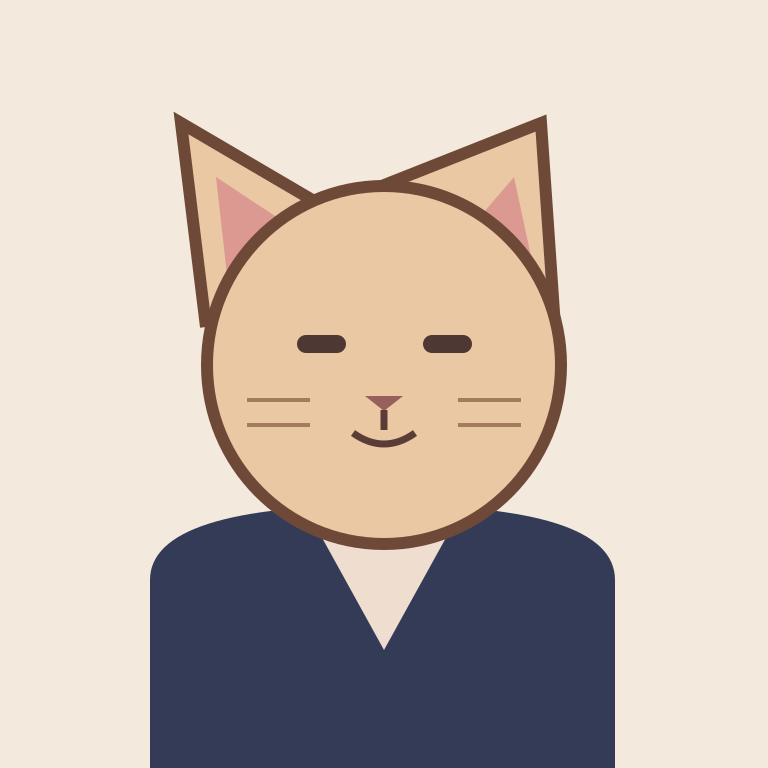
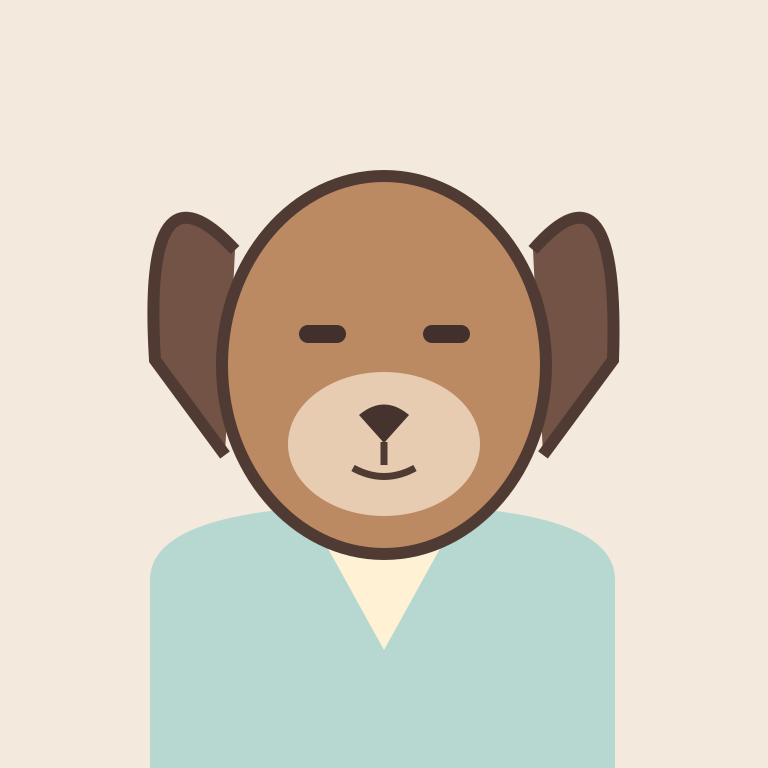
Real generated example · Classic orange · 6 seconds · 480p. New generations may vary.
Download example MP4Your generated video will appear here
Upload two photos and choose a booth. The model creates original audio with the performance; the commercial song is not included.
What Is the Hotel Lobby AI Trend?
Hotel Lobby AI turns photos of people or pets into short performance clips set inside a glowing orange recording booth. The look is associated with the Hotel Lobby COLORS performance: two subjects, a hanging microphone, and an uncluttered studio.
If you searched “Migos Hotel Lobby AI” or “Quavo Hotel Lobby AI”, this is the orange-booth effect you're looking for. Here, your two photos guide the subjects while the model generates the framing, lighting, and performance. The audio is newly generated, not the original commercial recording.
- You saw a friend's Reel or Short and want the look with your own photos.
- You found a prompt and need a clear way to run it.
- You want to check the cost before committing to a generation.
How to Make a Hotel Lobby AI Video (3 Steps)
Pick two front-facing photos
One photo per performer. Avoid sunglasses, heavy filters, and hats that shadow the eyes. Well-lit shoulders-up portraits give the model clear features to work with. For pets, use a straight-on photo with visible eyes and no motion blur.
Choose your booth scene
Pick the classic orange booth for the recognizable look, or try an alternate palette. Choose 6 seconds for a short hook or 15 seconds for a longer duo performance. Start at 480p to review the idea; choose 768p or 1080p for more detail.
Generate, review, download
Sign in, check the credit cost, and generate. The model runs asynchronously; time depends on the queue. Review both faces, hands, and timing before downloading the MP4. Your task can be resumed after a page refresh.
Hotel Lobby AI Prompt (Copy & Paste)
Copy a full prompt, or apply just its performance direction to the built-in generator. Applying a preset keeps your selected booth, video length and resolution.
Classic booth
Two performers standing inside a glowing orange vocal booth, chest-up framing, locked-off camera, warm rim light, subtle head nods on the beat, one continuous take, vertical 9:16.
Deadpan pets
Two cats sitting side by side inside a glowing orange booth, deadpan expressions, minimal head movement, locked camera, warm booth lighting, vertical 9:16.
Verse-switch duo
Two performers in a glowing orange booth, alternating who is lit as the lead, locked-off camera, warm amber palette, one continuous take, vertical 9:16.
In this generator, use the optional note for mood, expressions and small gestures. Your photos define the two subjects; booth color, left/right positions, framing and original audio follow the tool's settings.
Two-Photo Guide: What Helps Produce a Clean Duo Clip
| What you upload | What to expect |
|---|---|
| Two front-facing, evenly lit photos | Clearer references for two distinct performers |
| One person + one pet, both facing the camera | A playful duo with a separate reference for each subject |
| Sunglasses, mask, or hat shadow | Hidden details can cause facial drift |
| Photos with different lighting directions | The model may struggle to match the lighting |
| A wide group shot cropped tightly | Lower-detail faces may look soft |
Two photos, two performers — one subject per input. A clean individual photo gives the model more useful information than a small face cropped from a group shot. AI identity preservation is imperfect; review the full clip.
What Separates a Shareable Clip From a Throwaway One
Vertical-first framing
The booth composition is built for 9:16. Keep both subjects and the hanging microphone in the shot rather than cropping a wide scene afterward.
Face-preserving direction
Clear identity references and restrained movement help. Look for facial drift across the entire clip before sharing it.
Performance-aware pacing
A short call-and-response gives the duo a purpose. Original AI audio is generated with the scene; precise lyric-by-lyric synchronization is not guaranteed.
Hotel Lobby AI Examples
AI-generated videos using our original pet illustrations. These playable clips show real generated results, not footage of public figures.
Use It Responsibly
Use photos you have permission to use
Do not upload identifiable public figures or anyone under 18. Confirm your permission before generating; model safety checks remain enabled.
Use original audio
The tool asks for newly composed audio and original vocals. It does not include the commercial Hotel Lobby recording. Review generated audio and use music you have permission to publish.
Mark AI content
Label your clip as AI-generated wherever the platform requires it, and avoid presenting a synthetic performance as a real recording.
Frequently Asked Questions
What is Hotel Lobby AI?
A photo-to-video effect that places two people or pets inside a glowing recording booth and generates a short duo performance. The classic orange palette is inspired by the recognizable Hotel Lobby booth look.
How do I make a Hotel Lobby AI video?
Upload one clear photo per performer, choose a booth style, duration, and resolution, then sign in and generate with site credits. Review the result and download the MP4.
Is there a free Hotel Lobby AI generator?
This generator uses site credits. New users receive signup credits, which may not cover a full generation. The tool displays the required credits before charging. Confirmed failed renders receive an automatic credit refund.
What's the best Hotel Lobby AI prompt?
Start with two performers in a glowing orange vocal booth, chest-up framing, a locked-off camera, warm rim light, subtle head nods, one continuous take, and vertical 9:16. Change the subjects and keep the camera direction.
Can I use my pets instead of people?
Yes. Upload one photo per pet, facing the camera and well lit. Use the deadpan pets prompt. Results vary; check faces and anatomy before sharing.
Can I use the original song?
The generator creates new audio and does not supply the original song. If you add a track afterward, use audio you have permission to use and follow your publishing platform's rules.
Can I put a celebrity or politician in it?
Our upload rules exclude identifiable public figures and anyone under 18. Use your own photos or photos of consenting adults, and keep model safety checks enabled.
The faces look mushy — what went wrong?
Start by checking the input photos. Use clear, front-facing images with even lighting, without masks or sunglasses. Higher output resolution can add detail, but cannot fix missing identity information in a blurry input.
More AI Video Effects
Explore the effects library, or try the existing image-to-video and motion tools.