AI Video Effects
Turn a still photo into a short, directed clip — a performance, a face swap, a scene you'd otherwise need a full shoot to get. Pick an effect, upload your photos, and generate.
Effect Library
You supply the photos. We supply the scene, camera, lighting, and performance direction. Start with our first duo effect; the library will grow as new effects become available.
Two-Photo Duo Effects
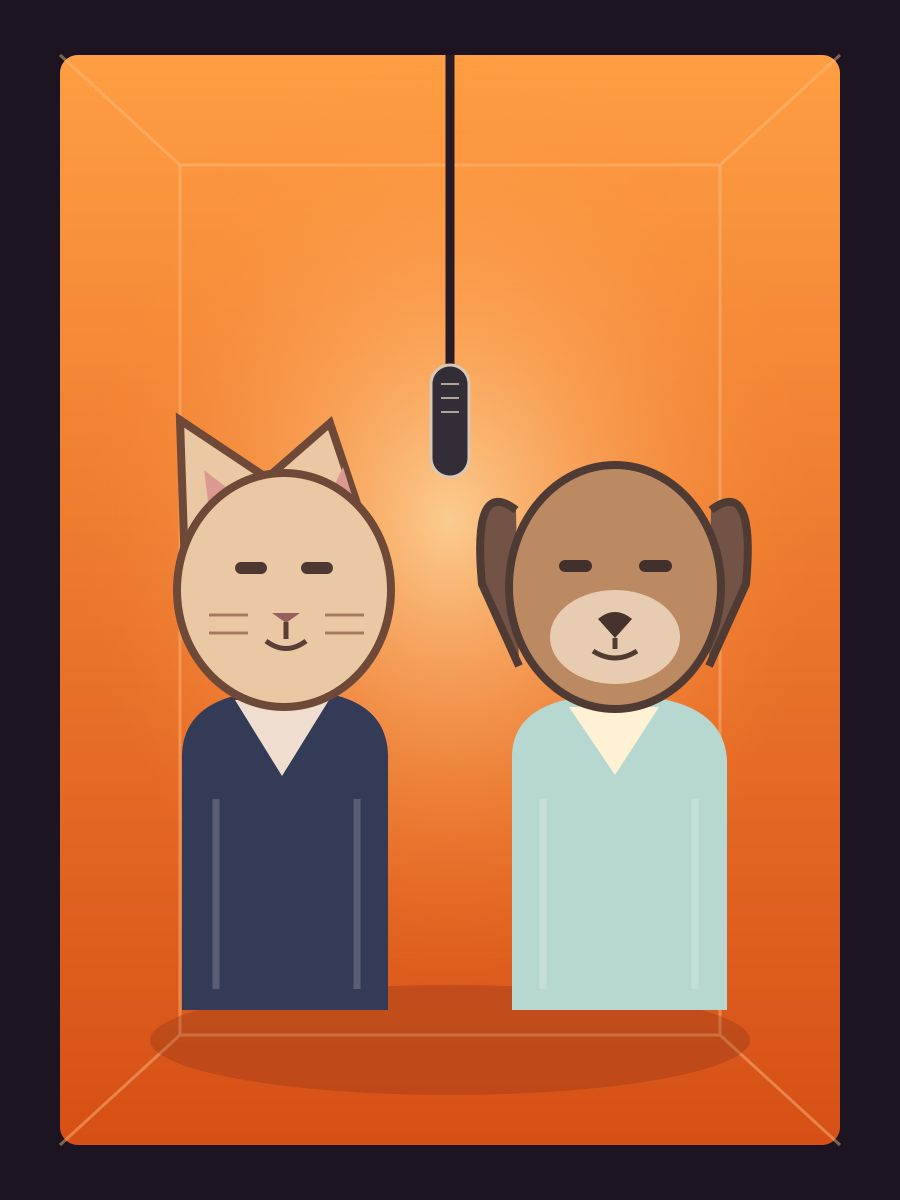
Hotel Lobby AI Video Generator
Two photos into an orange-booth duo clip. Choose from eight booth styles and make an original performance with friends, a couple, or pets.
Generate Hotel Lobby AI VideoHow AI Video Effects Work
Photo-to-motion
The model uses your photos as identity references and generates motion from the scene instructions. For our duo effect, bring one clear photo per performer.
A locked-off camera
A fixed camera and a continuous take keep the attention on the performers. The template supplies the direction, so you don't need a timeline editor or manual keyframes.
Vertical-first framing
Hotel Lobby clips are generated at 9:16 for Reels and Shorts. Choose the vertical composition at generation time instead of cropping away the booth later.
What you need to bring: two clear photos, one subject in each, front-facing, evenly lit, with eyes visible. Avoid sunglasses, masks, and hats shadowing the face.
Which Effect Should You Use?
| If you have… | Use |
|---|---|
| Two people, want the recognizable orange-booth look | Hotel Lobby · Classic orange |
| Two pets, want a deadpan duo | Hotel Lobby · Pet prompt |
| Two people, want a different palette | Hotel Lobby · Seven alternate booth styles |
Trending Right Now
Library updated October 8, 2026
Hotel Lobby — an orange recording booth, two performers, one continuous take. Explore the look with your own photos and original AI audio. This list changes when a new effect is ready to use.
Frequently Asked Questions
What are AI video effects?
Effects that turn still photos into short directed clips — a performance, a swap, or a scene change — without a timeline editor or a shoot.
Which effects work with one photo vs two?
The Hotel Lobby duo generator needs two photos, one per performer. Other effects may use a different input workflow when they are added to the library.
Are these free to try?
Generation uses Runway Aleph site credits. The tool shows the exact cost before you start. Signup credits can be used toward generation, but may not cover a full clip. Confirmed failed renders are refunded.
Will these clips work on Reels and Shorts?
Hotel Lobby clips are generated at 9:16 and can be downloaded as MP4 videos for vertical feeds.
How often is the trending list updated?
We update the library when new working effects are available. The displayed date reflects the last content update.
Can I use celebrity photos?
Please use your own photos or photos you have permission to use. Our upload rules exclude identifiable public figures and anyone under 18. Input and output are also subject to the model's safety checks.
Two photos. One new performance.
Pick your booth, bring your duo, and let the model direct the scene.
Try the Hotel Lobby Effect