
A different workflow for your next clip
Higgsfield Genjutsu alternative for AI motion transfer
Have a character photo and a video with the moves you want? Use Runway Aleph’s motion transfer tool to generate a new performance. If you only have photos, start with a ready-made video effect instead.
Motion transfer · 1 photo + 1 reference video · 20 site credits per generation
Runway Aleph is an independent platform, not affiliated with Higgsfield. This page compares our available workflows with Genjutsu; it does not provide the Genjutsu model.
What does Higgsfield Genjutsu do?
Higgsfield Genjutsu edits an existing video using reference images and optional directions. Its Motion Transfer mode rebuilds a scene around the source performance; Object Swap changes a selected character, outfit, product, location or object while aiming to preserve the surrounding shot.
The main Genjutsu product page lists 4–30 second source clips and up to 30 reference images. Its separate Genjutsu Light mode uses the first 15 seconds of the source and preserves source audio. Check the selected mode before comparing limits or prices.
Our alternative covers a narrower job: transferring a character’s actions from a reference video to a character image. It generates new footage, so the source background, camera movement and surrounding details may change. For targeted edits to an existing shot, evaluate an object-swap editor instead.
Genjutsu vs our motion transfer workflow
Match the tool to your input and intended edit. These are workflow differences, not a head-to-head quality benchmark.
| What you need | Higgsfield Genjutsu | Runway Aleph motion tool |
|---|---|---|
| Starting material | A source video plus reference images; the main product lists up to 30 images. | One character image and one motion reference video. |
| Copy a performance | Motion Transfer rebuilds the shot around the source motion and references. | Our motion tool applies the reference performer’s actions to your character image. |
| Replace just an object | Object Swap is a separate editing mode. | Not supported. This tool generates a new motion-driven clip. |
| Background and camera | Motion Transfer and Object Swap preserve different parts of the source. | Appearance and background are based on the photo; source shot details may change. |
| Reference video length | Main mode: 4–30 seconds. Light uses the first 15 seconds. | The motion workflow supports reference clips up to 30 seconds. Start with a short clip. |
| Original sound | Light explicitly supports source audio; check the mode you select. | An original-sound toggle is available in the motion tool. |
| Billing | Credits are shown before generation; official API pricing is separate from consumer plans. | 20 site credits per motion generation. Site credit packs are one-time purchases with a 12-month validity. |
| Generate without a source clip | The Genjutsu workflow starts with a video. | Use one of our separate photo-to-video effects, with its own settings and credit cost. |
Product details checked October 26, 2026. Features and prices may change; review the selected tool before generating.
When is this alternative a good fit?
You want the actions
Start here for a single visible performer, a clear character photo and a short dance, gesture or movement reference. Accept that the result is newly generated footage.
You need a precise local edit
Choose an editor with object-swap controls if the task is to replace a product, outfit or selected person inside an otherwise unchanged shot. Our motion tool does not perform that edit.
You only have photos
Skip the motion workflow and choose a photo effect. You get an original scene from a preset, rather than a recreation of a specific source clip.
How to start with our motion transfer tool
Open the motion tool on our Act-Two page, then add your photo and reference video. You do not need a Higgsfield account.
Add a character and a motion clip
Upload a clear character photo and a reference video showing one unobstructed performer. A visible head and upper body or full body give the model a useful movement reference.
Check directions, sound and credits
Describe the intended scene, choose whether to retain the reference audio, and check your balance. The motion tool costs 20 site credits per generation; a new account’s 6 starter credits do not cover a full run.
Generate, review and download
Review the face, hands, movement and sound before downloading. Fast turns, occlusion and interactions between several people can change the result. Use a short, simple clip for your first attempt.
No source video? Start with a photo effect
These examples were created with our photo-to-video effects. They show original scenes, not Genjutsu outputs or before-and-after object swaps. Each effect displays its own credit cost.
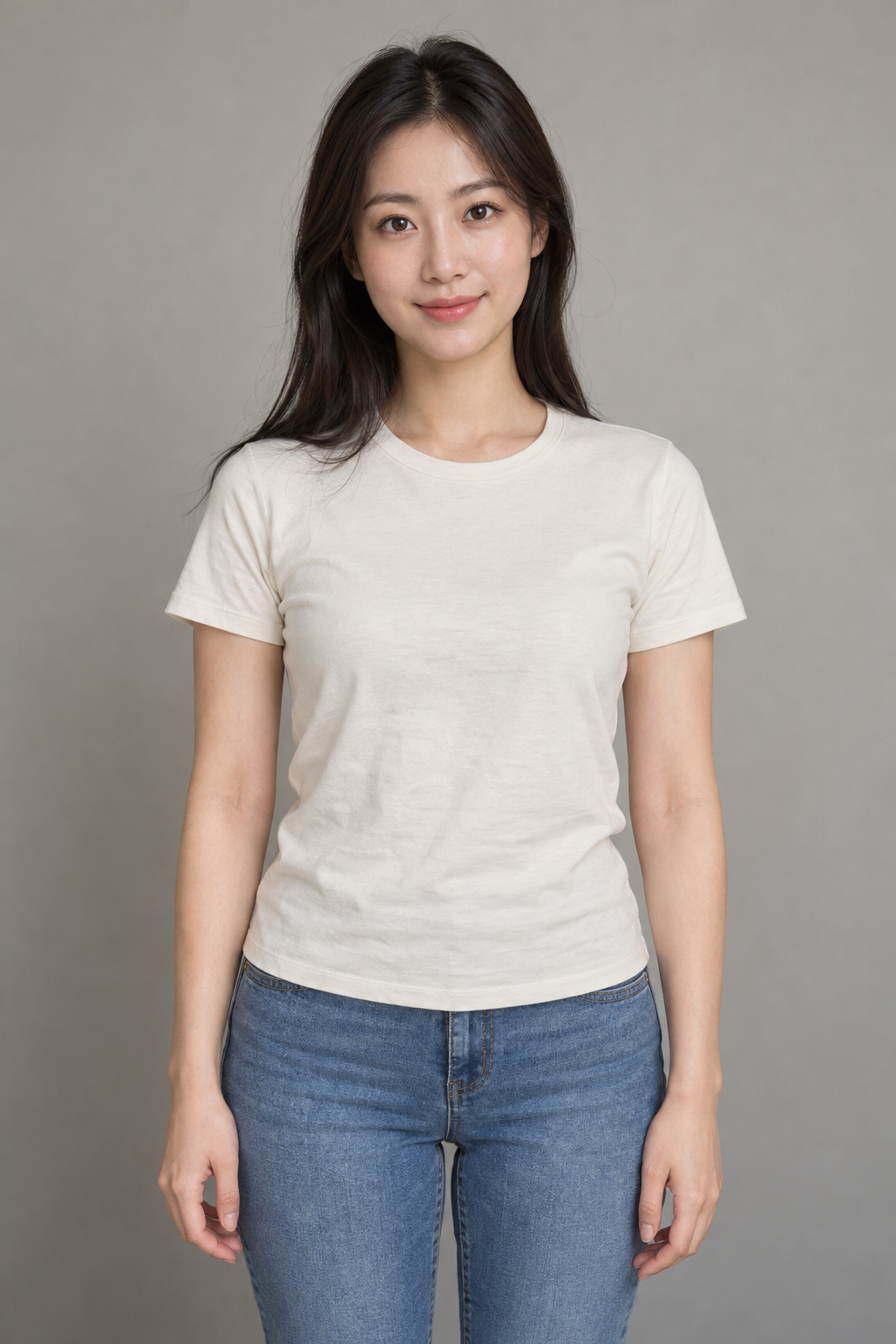
Fridge POV AI
Turn one portrait into an original late-night snack scene. No motion reference video is needed.
Try Fridge POVHotel Lobby AI
Create an original recording-booth duo from two photos. This generates a new performance and new audio; it does not swap two people into your source footage.
Try Hotel LobbyHiggsfield Genjutsu alternative FAQ
Does this page provide Higgsfield Genjutsu?
No. Runway Aleph provides a separate motion transfer workflow and photo-to-video effects. This page helps you compare their uses and limits with Genjutsu; it does not provide the Higgsfield Genjutsu model.
Can I try the motion tool for free?
A new account receives 6 site credits, while a motion generation requires 20. Starter credits alone do not cover a full motion run. You can inspect the tools and watch the example on this page without starting a paid generation.
Does the motion tool keep the original background?
Not necessarily. The reference video guides the actions, while the character image guides appearance and background. New footage can differ in framing, lighting and details. Do not use it when an unchanged background is essential.
Can I swap a product or change only an outfit?
This motion tool has no dedicated object-swap or local wardrobe-editing mode. Evaluate Genjutsu Object Swap or another editor built for targeted changes to existing footage.
Can I keep the reference video’s sound?
Yes, the linked motion tool includes a switch to keep the original sound. Our photo-to-video effects generate their own audio instead. Genjutsu Light also supports source audio, so audio retention alone does not distinguish the tools.
Can I replace two people in one video?
This page does not promise reliable two-person replacement. Our motion tool accepts one character image. Hotel Lobby accepts two photos to generate a new duo scene, which is a different task from replacing two people in an existing clip.
Do I need a subscription or a Higgsfield account?
You need a Runway Aleph account and enough site credits to generate. Our current credit packs are one-time purchases, valid for 12 months. No Higgsfield account is required for our motion transfer tool.
Is this cheaper or better than Genjutsu?
We have not established a like-for-like quality or price advantage. Compare the same duration, resolution and editing task, including Genjutsu Light where appropriate. Site credits, Higgsfield credits and API dollar rates are different billing units.
Official product references
Check the original sources for the latest mode limits and billing details.
Product details checked October 26, 2026. Features and prices may change; review the selected tool before generating.
Start with the footage you actually have
Use a photo and a motion reference for a new performance, or choose a photo effect for an original scene. Pick an object-swap editor when preserving the original shot is the priority.